Where is the Roll A Stickman code box?
Top-right three lines, then Codes, then the Enter code field. It is not roblox.com/redeem and it is not chat.

How to redeem Roll A Stickman codes: finish the tutorial, open the top-right menu, paste one code, Redeem. Check Mail. Place 115068315659966. October 2026.
Top-right hamburger, Codes, paste, Redeem, check Mail.
~8 min read
How to redeem Roll A Stickman codes: join Roll A Stickman! on Place 115068315659966 (Ultrain Studios), finish the tutorial, open the three lines at the top right, choose Codes, paste one string into Enter code, and press Redeem. Rewards may land in Mail or on the wallet directly. Play on Roblox. Checked October 20, 2026.
The strings themselves live on codes. This page is the click path and the reject checklist. Like and group-join gates appear in recaps only. Confirm them in this Place before you call a string expired.
| Fact | Detail |
|---|---|
| Place | 115068315659966 |
| Menu | Top-right three lines → Codes |
| Field | Enter code |
| Button | Redeem |
| Case | Must match. Paste, do not retype |
| Batch | One code per redeem |
| Payout | Mail and/or wallet — check both |
| Website box | Not used |
| Possible extra gates | Like and Ultrain Studios group — unverified |
Work the list in order. Skipping the tutorial is the usual reason the three-line button is missing. Skipping the place-id check is the usual reason a real string does nothing: you are in a different experience with a similar name.
After each Redeem, stop and look. A second code pasted into a dirty field, or two codes jammed into one line with a space, comes back as invalid even when both strings are live. The codes table’s Copy control exists so the reward paragraph never lands in the field.
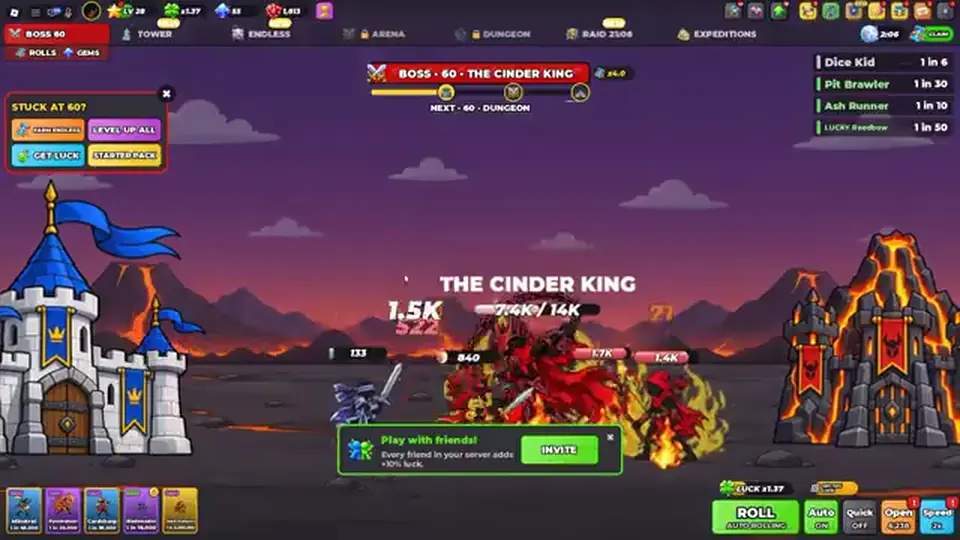
A clean pass looks dull. You finish the tutorial, open the three lines, open Codes, paste RELEASE, press Redeem, and wait until Mail or the wallet changes before your hands go back to the keyboard. Then BREW, same pause. Then RANKED, same pause. The pause is the method. Players who queue three pastes in ten seconds cannot tell which string paid the Luck potions and which string did nothing. Claim the letter if Mail requires a click. An unclaimed letter hides the wallet change and makes the next Redeem look broken. If RELEASE’s pause shows 300 rolls, 2 Luck, 1 Haste, a crate, 5 tomes, and 2 Trait Rerolls, that string is done even if a thumbnail said 1.3k. If the pause shows nothing, you are in the reject table, not in a hurry to paste GRINDER on top of a broken field. Copy both wallet labels if the letter names rolls and Instant Rolls.
Join the place. Finish the opening until menus work. Tap the three horizontal lines. Tap Codes. Focus Enter code. Paste. Tap Redeem. That sequence is repeated across redeem write-ups. The reward attached to the string is not part of the sequence — if you wanted the numbers, you already copied from the wrong column.
Some recaps say to like the experience, join the developer group, and re-enter before a stubborn code pays. Do that as a second attempt, not as step one. Rejoining first hides whether the tutorial was the actual problem. The group page is Ultrain Studios (32966386). The next section is what the panel itself is asking for.
A reject is a branch, not a dead end. Walk the causes in order. Most day-one failures are the place, the case, or a likes code used before its recap’s Stage note. Calling the code expired on the first red message throws away a working RELEASE.
| What you see | Likely cause | Next action |
|---|---|---|
| No Codes button | Tutorial unfinished, or wrong game | Finish the opening, recheck the place id |
| Invalid / expired on RELEASE | Case, space, or already redeemed | Repaste from Copy. If Mail already has the listing bundle, stop |
| Invalid on BREW or RANKED only | Same tests as RELEASE | Do not assume the likes codes will work instead |
| Invalid on 200LIKES | Recaps ask for Stage 100+ | Leave the code. Push Stages. Try once later |
| Invalid on GRINDER | One recap wants 10k Rolls first; another shows no gate | Do not grind 10k to test a rumor. Note the reject |
| Pays, but a smaller Instant Roll count | Stage scaling, or the recap was high | Keep Mail’s number. Do not average it with the thumbnail |
| Pays listing potions but not a recap’s 210 or 1.3k | Listing was the real line | Stop chasing the larger figure |
This wiki’s expired list is empty on purpose. A public string can fail for you because you already redeemed it, because your Stage is short, or because the recap was wrong. It can still pay a friend. Mark your own result. Do not edit the shared row to Expired from a single reject unless the listing itself drops the code.
Only after the row above is exhausted: right place, tutorial done, exact paste, one code, Mail checked, Stage note respected. Then like the experience, join group 32966386, rejoin the place, and paste the same string once more. If it still fails, stop. The next section explains why those two gates are labeled unverified.
Matched by build plan, shared topics, and guide progression — not random related links.
The Roblox listing does not print “like to redeem” or “join the group to redeem” as a rule for RELEASE, BREW, or RANKED. Third-party steps often insert both, sometimes with a rejoin, before the hamburger. Treat them as possible account gates, the same way you treat Stage 100+ on 200LIKES: real if your game enforces them, rumor if it does not.
The listing does say to join the community server for updates and the rest of the codes. No discord.gg invite has been verified, so the server stays TBA. Do not redeem inside a Discord chat box someone else hosts. The group link above is the developer’s Roblox door, not a code vending machine.
The likes-milestone strings and GRINDER are the candidates people mean by “the rest.” They are already on the codes table as Unverified. The 6000-likes code is not among them. Liking the game does not reveal that string inside this guide, and joining the group does not either, until the group or the listing prints it.
Check Mail first, then the wallet row for Rolls, Instant Rolls, potions, Card Tomes, Trait Rerolls, Crates, and — if a likes recap was honest — Gems, Base Keys, and Stat Resets. Some games dump a code straight onto the counters and never open a letter. If you only look at Mail, you will redeem twice and call the second try broken.
Write the label the game uses. “300 rolls” and “300 Instant Rolls” are different stacks on the conflict table. Your note should use the game’s word. That note is the input for resources. Then go copy the next code, or start the beginner guide spend order if the listing trio is done.
BREW’s listing line is 50 rolls plus three potion types. A thumbnail that promised 210 Instant Rolls makes 50 look like a failure. It matches the listing. RELEASE at 300 rolls matches the listing even when a recap said 1.3k. Rank the result against the Listing column, not against the loudest number in the Reward cell.
Next: go to codes and copy RELEASE. Paste it with the path on this page, then BREW, then RANKED.
Top-right three lines, then Codes, then the Enter code field. It is not roblox.com/redeem and it is not chat.
No. One string, Redeem, Mail, then the next string.
Match case, confirm Place 115068315659966, and confirm the tutorial is finished. A likes code can also fail because your Stage is below a recap’s gate.
No invite is verified. Redeem inside the Roblox experience. The community server on the listing stays TBA.
BREW’s listing reward is 50 rolls. 210 Instant Rolls is the conflicting recap. Mail matching the listing is a success.
Matched by build plan, shared topics, and guide progression — not random related links.